
VIDEO
Getting traffic is only half the job. This guide shows local service businesses how to make the next step obvious, build trust quickly, reduce friction, and turn more website visits into real customer conversations.



A visitor may need a repair, a quote, or a reassuring answer before deciding to call. The website's job is to help that person recognize the right service and reach the right next step — not to pressure everyone into the same button.
Use this guide to review the path from first impression to follow-up. Start with what a customer sees, then check what happens after they get in touch. Improvements are cumulative; none can promise a particular number of leads.
More visitors do not automatically mean more customers. A person looking for emergency plumbing work and someone researching a renovation next year may both visit, but they have different questions and different readiness to act. A useful website helps the qualified visitor find a next step that fits their intent.
Think of conversion as a chain: the offer must be understandable, the business credible, the action easy, and the follow-up reliable. A break anywhere in that chain can stop an inquiry. A high visit count alone cannot tell you which link needs attention, and there is no universal conversion rate to promise.
Before buying more traffic, try your own path as a customer. Can you tell what is offered, whether you are in the service area, and how to get a reply?
The top of a page should quickly answer five questions: who is this business, what does it do, where does it serve, why should I keep reading, and what should I do next? A clever tagline is less helpful than a plain statement of the service and the area it covers.
Show the top of a service page to someone who does not know your company for five seconds, then hide it. Ask them to name the service, the area served, one reason the business might fit, and the next step. If they cannot, revise the headline, supporting line, proof, or call to action before adding more content below.
For example, “Roof repair in Oakland County” gives a prospective customer a clearer starting point than “Solutions for every tomorrow.” The rest of the page can explain the process, qualifications, and timing in the business's own voice.
Choose a primary call to action for each page based on what its visitor is likely trying to accomplish. “Call Now” may fit an urgent service page; “Request a Quote” can fit a planned project; “Schedule an Appointment” fits only if an actual scheduling path exists. “Book a Discovery Call” may suit a consultative service.
A secondary option can serve someone not ready for the primary action — for example, read the process or ask a question. But six equally prominent buttons make the choice harder, not easier. Keep the main action's wording and destination consistent as it reappears at natural decision points throughout the page.
Make the primary action match the promise. If a form only requests a callback, call it a request — not a confirmed appointment.
Someone ready to call should not need to scroll to the footer or copy a phone number by hand. Display the number visibly, use a tap-to-call link on mobile, and test that it dials the correct business line. On a phone-first service page, a restrained sticky call action may help, provided it does not cover content or compete with navigation.
Give callers useful context: hours, when calls are answered, and what to do outside those hours. Say “emergency,” “same-day,” or “24/7” only if the business really provides it. If callers leave a message, make the next step clear rather than implying immediate availability.
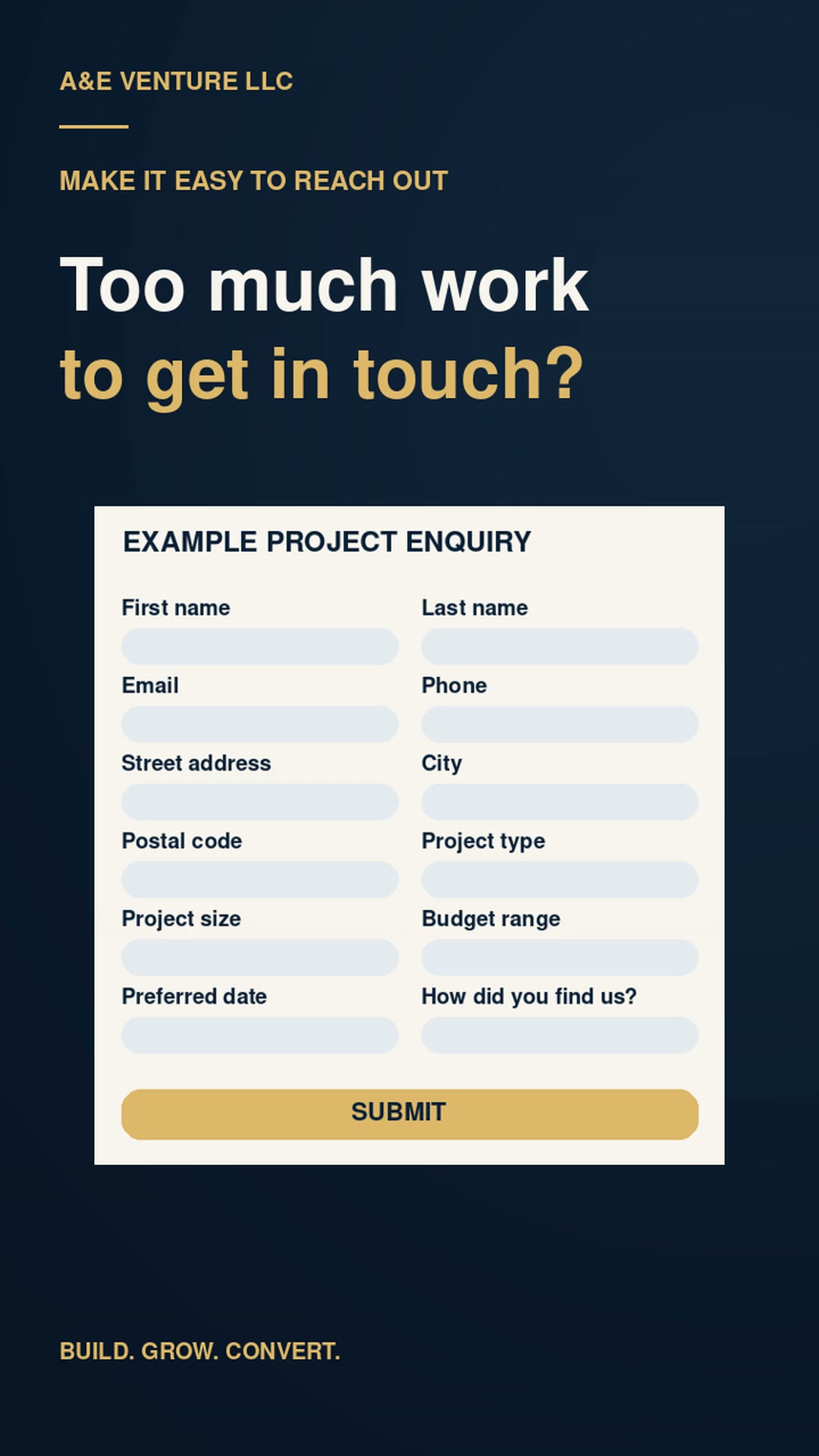
Ask for what you need to respond: usually a name, a reliable contact method, and enough detail to understand the request. Make address, budget, photos, or preferred timing optional unless they are truly needed before the first reply. Shorter forms reduce effort, especially on a phone, but the right amount of detail depends on the service.
After submission, show a clear confirmation and explain what happens next. An acknowledgment email can reassure the customer that the request arrived; an owner or staff notification helps the business respond. None of these is the same as a booked appointment unless the customer actually selected and confirmed a time.
Submit your own form once from a phone. If the confirmation is unclear or the request reaches the wrong person, fix the handoff before asking for more leads.
Trust does not come from a bold claim. It comes from details a customer can check: relevant reviews and testimonials used with permission, truthful years in business or experience, applicable licenses and insurance, genuine affiliations, and real photos of the team or work when available. Make the service area and what the first conversation involves easy to find.
Be transparent about expectations: what a quote request means, whether a visit is needed before pricing, and how someone will hear back. Near forms that collect personal details, offer an easy path to your privacy information. Avoid fake countdowns, invented scarcity, or borrowed photos presented as your work.
If you have little public proof yet, explain your process honestly instead of manufacturing credibility. A clear explanation of what you do after an inquiry can be more useful than a vague “trusted by thousands” claim.
A strong service page follows the questions a person would ask before making contact. It should reduce uncertainty, not manipulate a visitor into acting before they understand the offer. A practical sequence is:
Name the service and the situation it addresses.
Clarify audience, location, and any important fit requirements.
Explain what the customer can reasonably expect, without promising an outcome.
Show real work, relevant reviews, or verifiable credentials.
Describe the steps from inquiry to estimate, appointment, or delivery.
Answer practical questions about timing, scope, cost factors, and next steps.
Offer the same clear next step when the reader is ready.
Not every page needs the same length. A simple service may need a short explanation; a considered purchase may need a fuller process and comparison. The order matters less than answering the questions the customer actually has.
A free website audit can help identify unclear messaging, weak calls to action, trust gaps, or unnecessary friction before you decide what to change.
Request My Free Website AuditIf an ad promises a particular service, location, or offer, its destination should immediately continue that conversation. A general homepage may ask someone to find the relevant service all over again. A dedicated landing page can focus on one audience, one offer, and one fitting action with fewer distractions.
This applies whether traffic comes from Google Ads Management or Meta Ads Management. Compare the ad's words with the page headline, eligibility, service area, proof, and CTA. Keep claims and availability consistent. Advertising spend is separate, and neither delivery nor performance is guaranteed.
Click your own ad path without submitting a lead. If you must search for the offer the ad described, the destination needs work.
Most important actions should be comfortable on a small screen: readable type without zooming, thumb-friendly controls, a visible phone number, and forms that do not require excessive typing. Keep pages fast enough to use on an ordinary connection, and avoid intrusive pop-ups that obscure the service or contact action.
A sticky mobile CTA can help on a longer page, but only if it leaves enough room to read and does not cover a form or another control. Test the real experience on at least a couple of actual devices: open the page, read the offer, tap the number, complete the form, and confirm that the message appears.
Website conversion does not end when a form is sent. The customer still needs a real response. Set up a confirmation or acknowledgment so they know their inquiry arrived, and make sure the right owner or staff member receives a notification. Decide who calls back, who covers absences, and what happens with missed calls.
A simple lead-status list can track “new,” “contacted,” “appointment requested,” “booked,” and “closed” without assuming every request turns into a sale. Check the list routinely so inquiries do not sit unanswered. Your response process should match what your website promised; do not claim an instant response if nobody can provide one.
Walk through the handoff with your team. A perfect form cannot compensate for a notification nobody sees or a callback nobody owns.
Pageviews and clicks tell you that people arrived; they do not tell you whether the business had useful conversations. Where measurable and appropriate, record phone clicks or actual calls, completed forms, appointment bookings, quote requests, and purchases. Distinguish a click on “call” from a completed conversation, and a booking request from a confirmed appointment.
Google Analytics and tags can help identify page and action patterns. For paid campaigns, Google Ads conversion measurement or the Meta Pixel may be relevant when configured appropriately. Make sure events reflect real actions and that measurement follows your privacy practices. Then compare these signals to your own inquiry records; attribution is imperfect, especially across devices and calls.
If you know your own lead value and close rate, the website ROI calculator can help explore scenarios. Its estimates are planning inputs, not a forecast or a promise of new revenue.
Start with a symptom, inspect the path, and test a reasonable change. These are possibilities, not diagnoses; one pattern can have more than one cause.
| Symptom | Possible issue | What to review |
|---|---|---|
| Traffic but few calls | Number is hard to find, or the offer is unclear | Visibility of tap-to-call and clarity of the first screen |
| Form starts but few completions | Too many required fields or confusing validation | Fields, errors, and completion on a phone |
| Strong mobile traffic but weak leads | Slow pages or obstructed controls | Real-device loading, overlays, and contact path |
| Ad clicks but no inquiries | Ad and destination may not match | Offer, audience, landing page, and CTA alignment |
| Calls but few appointments | Poor fit or an unclear follow-up process | Call handling, qualification, availability, and callback ownership |
Look at a meaningful period of real inquiries before changing everything at once. Seasonality, ad targeting, staffing, and service availability can also affect what you see.
Use this list as a review, not a scorecard. Fix the issues that affect your customers' path first.
The visitor cannot tell what you do or whether you serve them.
Someone ready to call must search through menus or the footer.
Competing buttons make the next step harder to choose.
Unnecessary required fields turn a simple inquiry into homework.
Generic imagery gives little sense of the actual people behind the business.
Claims appear without relevant reviews, credentials, or real examples.
Visitors cannot tell if you work in their neighborhood.
A page that is difficult to load or use interrupts the path to contact.
The visitor has to locate the offer they just clicked.
A customer cannot tell whether the request went through.
An inquiry arrives, but no one owns the next step.
Visits look healthy even when calls and qualified inquiries are not.
This is a practical order of work, not a guaranteed-results plan. Take a baseline first, make a manageable set of changes, and keep the ones that make the path clearer for actual customers.
Mark what is already working and use the rest to decide what to improve next. Revisit the list when an offer, service area, or contact process changes.
Conversion is cumulative. Clear messaging, credible proof, an easy action, dependable follow-up, and honest measurement reinforce one another. A better path can make a website more useful, but no specific lead volume or conversion rate is guaranteed.
Start with a free website audit if you need help spotting friction. Depending on what is missing, explore website design, website redesign, or a focused landing page. For eligible current A&E website clients, the optional Website Growth Partnership supports ongoing improvements. If you are comparing paid traffic, read about Google Ads Management and Meta Ads Management separately; use the website ROI calculator to explore your own assumptions.
Bring your website and your questions. We'll talk through what is clear, what may be creating friction, and what is worth improving first.
A&E Venture LLC — websites and digital marketing built around clear customer pathways.